

A laptop, monitor, router or server with an RFID tag is a device whose location, user and history the system knows. We explain how UHF RFID speeds up IT asset audits, automates the IT store and makes it easier to prepare for an information security audit.
Challenges in IT asset management
The IT department is responsible for hundreds – often thousands – of devices spread across offices, branches, the store and the server room. Equipment constantly changes hands and locations, and the records must keep pace with every change.
- periodic fixed-asset audits across multiple sites,
- issuing computers to new starters and collecting them from leavers,
- devices under repair, being replaced or on loan for a project,
- warranty, maintenance and end-of-life dates,
- information security audits requiring an up-to-date asset register.
How RFID works in IT asset records
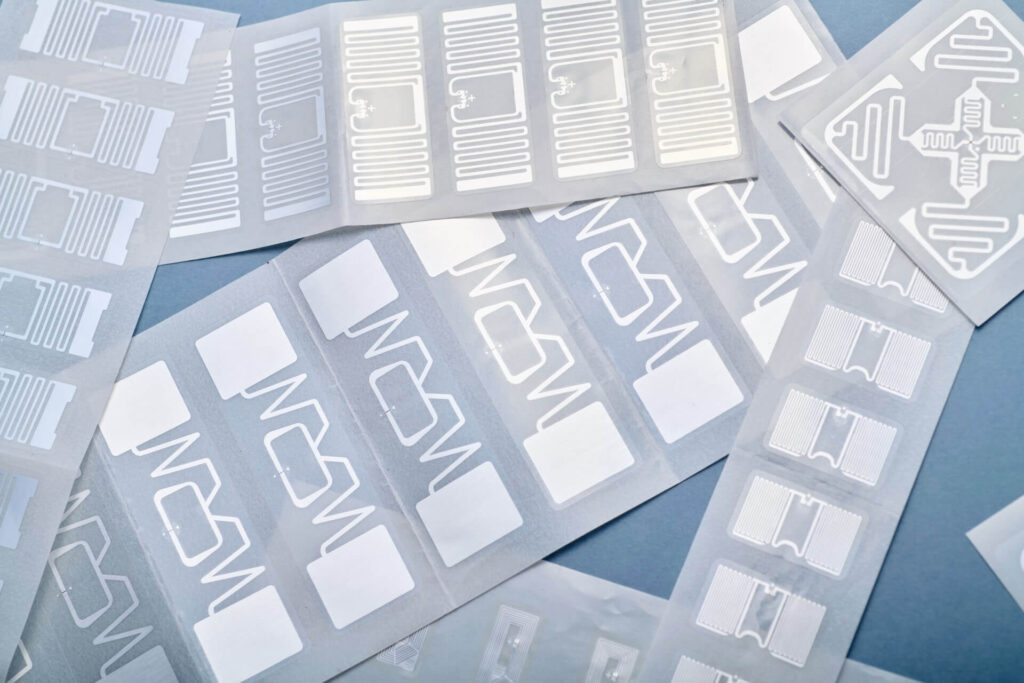
Each device receives a UHF RFID tag, whose identifier the software links to the device record: serial and inventory numbers, user, location, purchase date, warranty and service history.
The reader captures every tag within range at once – devices stay on desks and in racks while the audit covers the whole room. Passive tags draw their power from the reader’s radio wave and last for the entire lifecycle of the infrastructure.
RFID applications in the IT department
- Office and branch audits
A mobile reader covers an office, meeting room or back room in one read, and the system highlights differences against the list assigned to that location. The app also works offline.
- IT store: check-outs and returns
Fixed readers at the store exit detect the direction of movement, so issues and returns are recorded automatically. Kits (laptop, charger, docking station) are assembled against a predefined list.
- Assignment to employees and locations
In the web application, a device is assigned to a person, team or branch. The history shows who has used the equipment and how many times it has been issued.
- Server rooms and racks
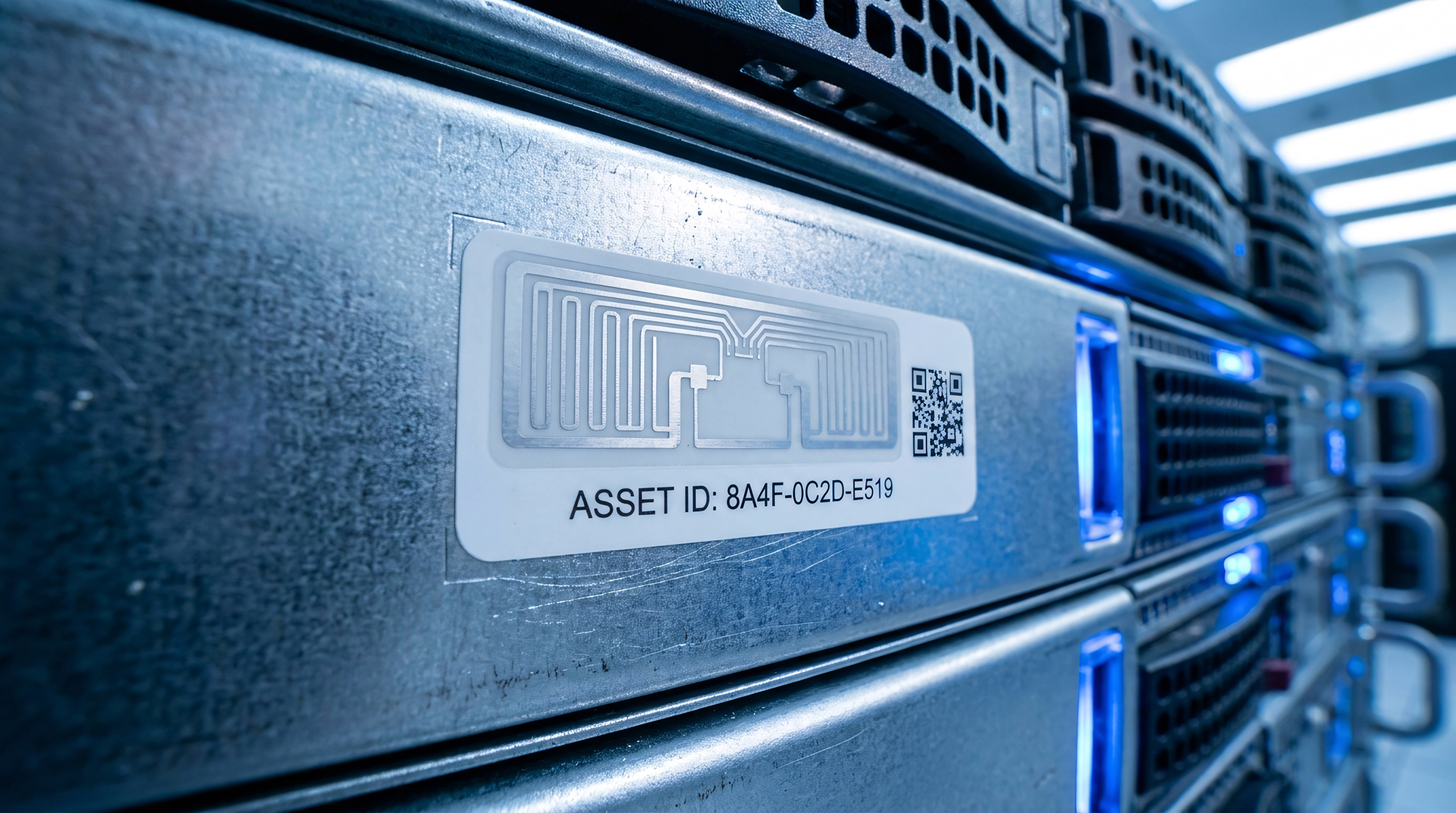
On-metal tags make it possible to tag servers, switches and network devices; auditing a rack takes no longer than a single pass with the reader.
- Warranties, maintenance and replacements
The system sends on-screen and email reminders of warranty expiries, maintenance and scheduled replacements. History reports are saved in .pdf and .xlsx formats.
Information security and audits
An up-to-date equipment register with assigned users, plus a history of check-outs and returns, supports the ISO/IEC 27001 requirements for asset inventory and return of assets.
Choosing tags for metal and plastic housings
The metal housings of servers, laptops and network devices require on-metal tags, while plastic accessories call for thin labels. An RFID printer adds the inventory number, logo and barcode to the label, so a single sticker combines every identification method.
Benefits of RFID for the IT department
- Shorter audits – an entire office or server rack read at once.
- Up-to-date asset register – devices assigned to people and locations.
- Automatic check-outs and returns – direction of movement recorded in the IT store.
- Lifecycle control – reminders of warranties, maintenance and replacements.
- Audit readiness – a complete history for every device.
How to prepare an RFID rollout in the IT department
- Tidy up the register – export your current equipment records to an .xlsx file.
- Choose the processes – audits, the IT store, employee assignments or compliance audits.
- Test the tags – on metal and plastic housings, in the office and in the server room.
- Plan the tagging – new equipment on receipt, existing equipment in stages, branch by branch.
In practice: IT equipment in 50 stores and 3 warehouses
For a retail chain, we implemented RFID records for cameras, routers, servers and other electronics. Each store has around 50 tagged items and each warehouse 200–300. A set of 2 mobile and 2 fixed readers handles offline audits, the radar function and automatic issues and returns.
→ Case study: “RFID fixed-asset inventory in 50 stores and 3 warehouses”
FAQ: RFID in the IT sector
Yes. Printing the inventory number and barcode lets you use both methods, while radio reads speed up the audit.
On-metal tags provide stable reads on servers, laptops and switches.
Yes. A register of devices and their users, together with the check-out and return history, makes it easier to demonstrate control over assets.
Yes. The mobile app works offline, and data syncs once the connection is restored.
IT hardware across many offices, branches or server rooms? We will design an asset register system tailored to your IT department’s processes.