

An exhibit with a radio identifier is a heritage object whose location and history the system knows. We explain how UHF RFID makes it possible to record an entire storage shelf in a single reader pass, quickly locate any object, and automatically document its journey between the gallery, the conservation studio and loan venues.
Challenges in collection management
A cultural institution is responsible for thousands of objects of varying size, value and fragility. Every object has its place in the register, and documenting collection movements demands precision at every stage.
- collection audits (periodic stocktakes) that occupy the team for weeks,
- exhibits moving between galleries, storage, conservation and photography studios,
- loans for temporary exhibitions and to other institutions,
- objects in boxes, drawers and on shelving,
- return deadlines and conservation reviews.
How RFID works in a museum
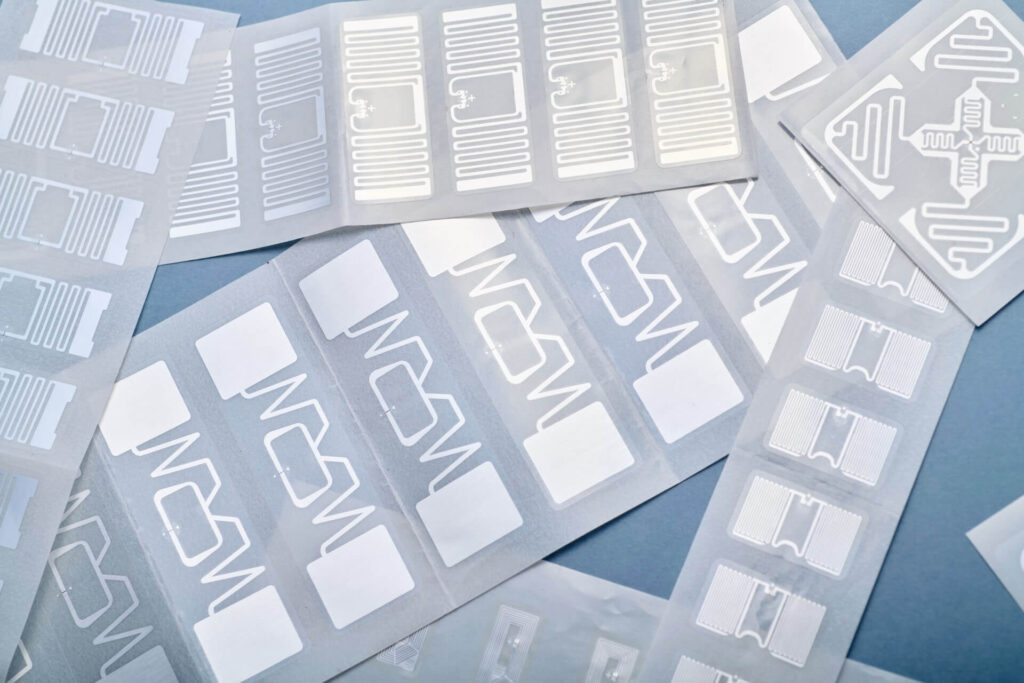
Each object or its packaging receives a passive UHF RFID tag. The chip stores a unique identifier, and the software links it to the catalogue record: inventory number, description, photograph, location and movement history.
The reader captures every tag within range at once, so the collection stays in place while the audit covers an entire shelving unit or display case. The tags operate in the 865–868 MHz band, draw their power from the reader’s radio wave and last for years.
RFID applications in museums, archives and theatres
- Collection audits and stocktakes
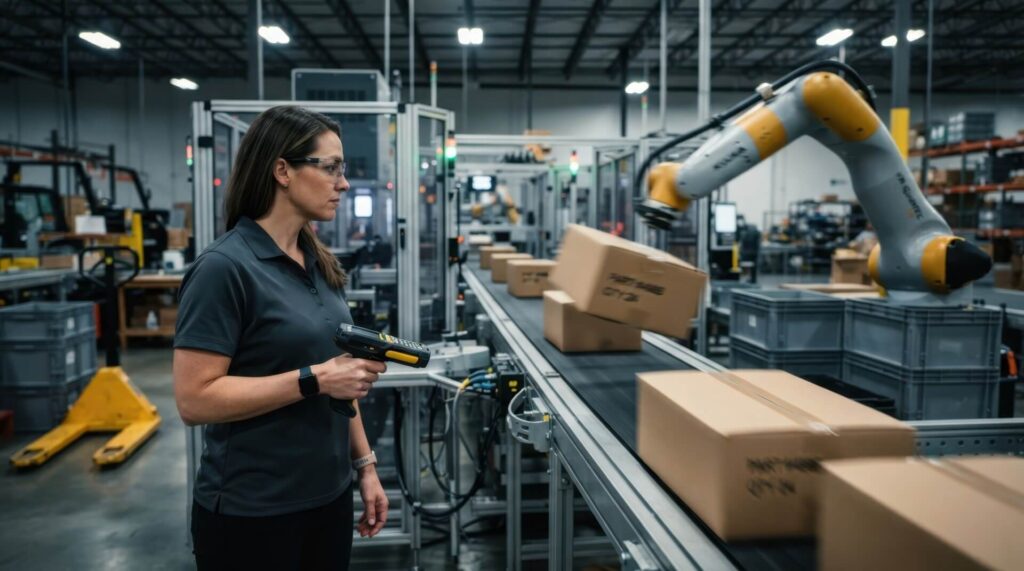
A mobile reader covers a shelf, drawer or gallery in one read, and the system immediately highlights discrepancies with the register. The app also works offline – data syncs once the connection is restored.
- Locating objects in storage
Each item has an assigned location: rack, shelf, box or crate. The reader’s radar function guides staff to the object they are looking for, based on signal strength.
- Movement history
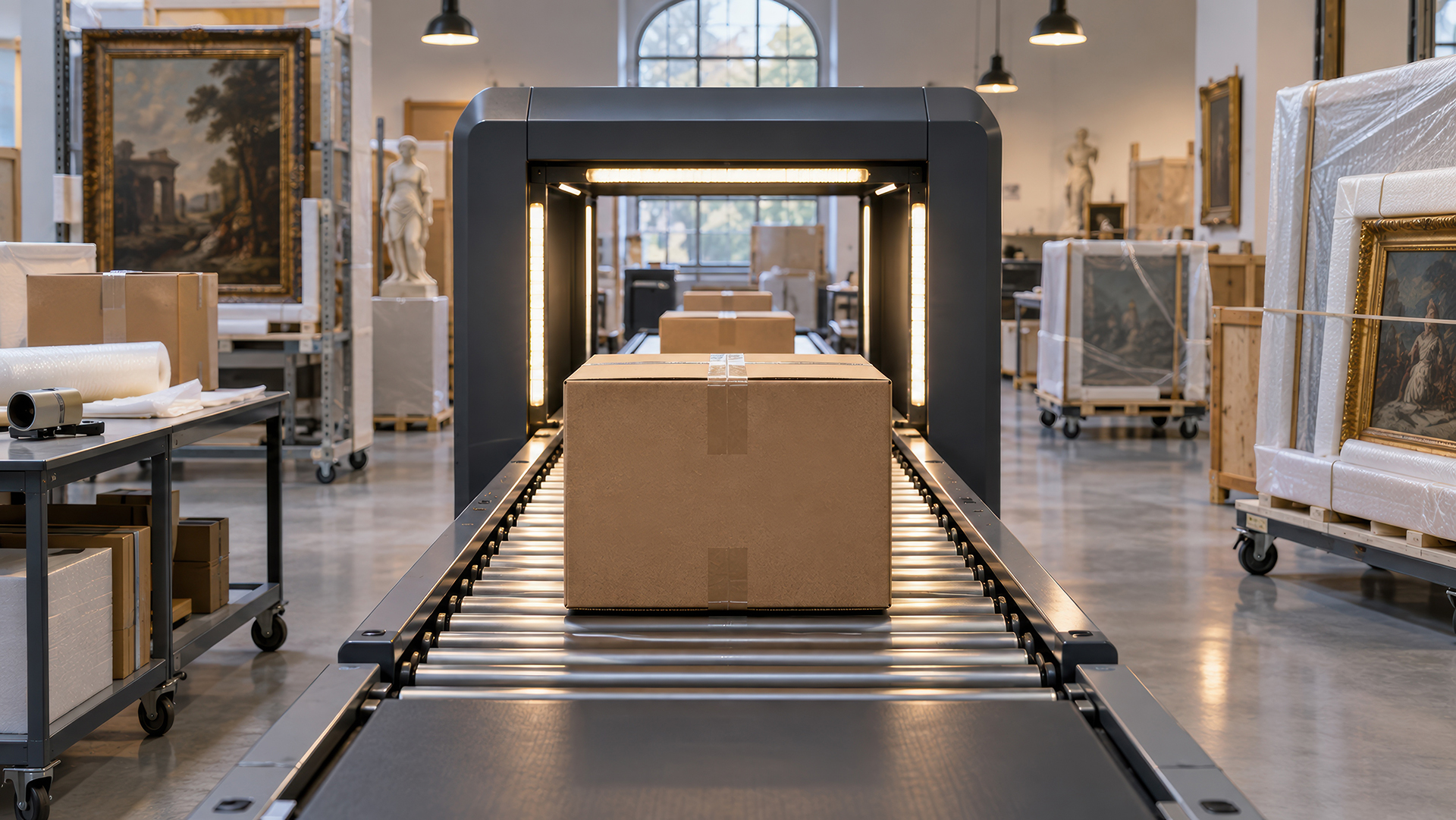
Every move – to the studio, a photo shoot or the gallery – is added to the object’s history. Fixed readers at entrances record the direction of movement as staff go about their usual work.
- Loans and temporary exhibitions
Tagged crates and works make it easier to check completeness at packing, receipt and return. The system sends email reminders of return dates and reviews.
- Zone protection
Antennas at the exits of protected zones register any object leaving the designated area, and light-and-sound signals alert staff immediately.
- Theatres and archives
The same mechanisms bring order to stores of costumes, props and stage sets, archive boxes and auditorium technical equipment.
Choosing tags and attaching them safely to heritage objects
Tags are attached reversibly and safely for the object: on a swing tag, frame, mount, passe-partout, box or crate. Metal, ceramics, textiles, paper and wood each call for a different approach, and textile tags are used for costumes. The attachment method is always agreed with conservators.
Benefits of RFID for cultural institutions
- Shorter audits – whole shelving units read at once instead of item by item.
- Reliable records – discrepancies visible straight after the scan.
- Quick retrieval – assigned locations and a radar function in the reader.
- Complete object history – movements, loans and returns in one place.
- Deadline control – reminders of returns and reviews.
How to prepare an RFID rollout in a museum
- Choose a starting area – collection audits, storage, loans or zone protection.
- Prepare the data – export the collection register to an .xlsx file to speed up the import.
- Test tags with a conservator – on objects made of different materials and on packaging.
- Plan tagging in stages – starting with the most frequently moved objects.
In practice: 800 assets in one database
At a rehabilitation centre, the RFID Inventory and Location System covered around 800 devices and items of furniture moved between treatment rooms. Room-by-room audits, offline operation and the radar function work the same way in a collection store.
FAQ: RFID in museums
Reversibly: on a swing tag, frame, mount, passe-partout or packaging, always in line with conservators’ recommendations.
Data is imported and exported in .xlsx files, and the integration approach is agreed during the analysis stage.
The mobile app also works offline; data syncs automatically once the connection is restored.
Yes. Costumes, props and archive boxes are tagged in the same way as exhibits.